Making a video 4K can mean AI reconstruction, editor scaling, cloud processing, or ordinary resizing. This comparison explains five complete workflows, their honest limits, and the export and artifact checks needed to choose a result that suits the source.
4DDiG AI Video Enhancer is part of 4DDiG File Repair, not Data Recovery. This review clarifies its verified 4K-at-60-fps limit, four-model workflow, File Repair pricing, preview-first buying criteria, and quality risks. It also explains when UniFab's broader HDR, audio, anime, and local-processing workflow may be a better fit.
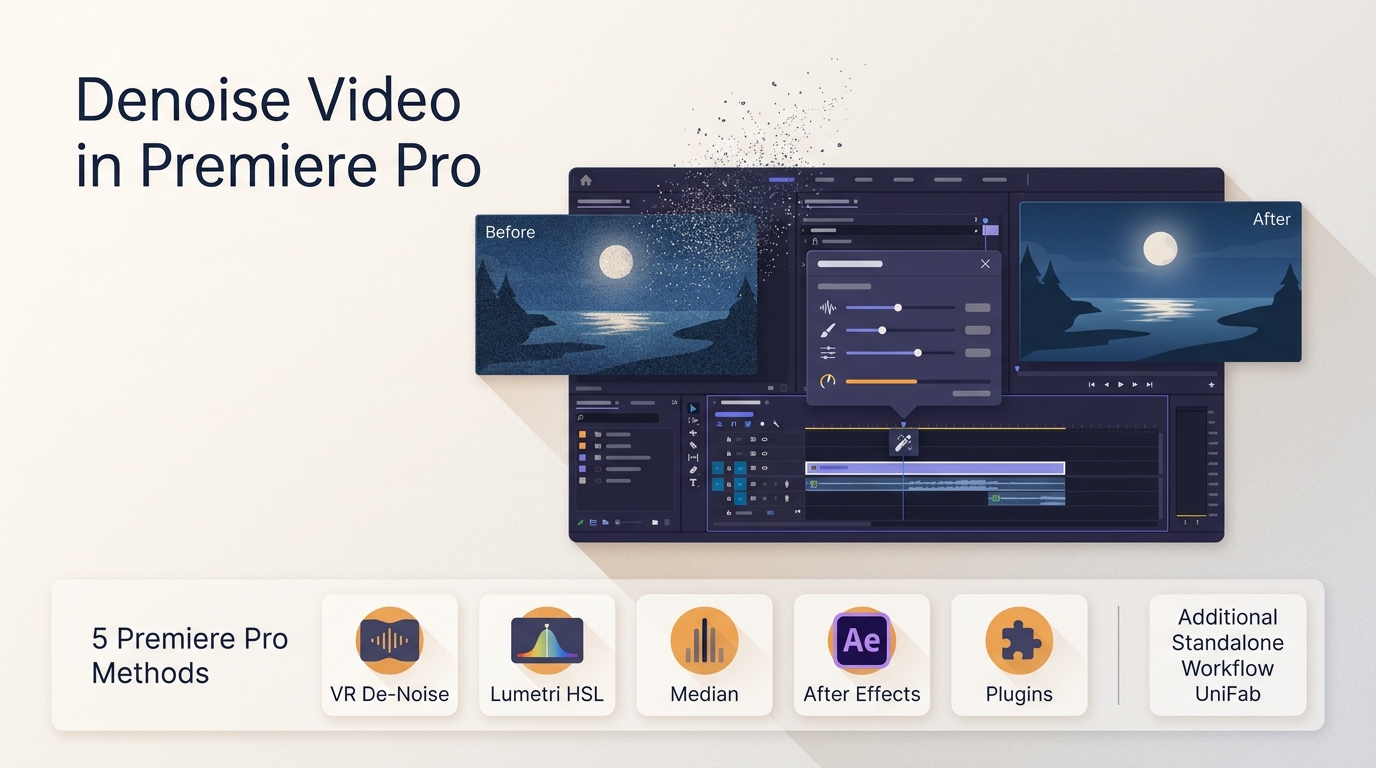
This guide compares five Premiere Pro denoising paths, from the native VR De-Noise effect to specialist plugins, with practical guidance on detail, speed, cost, and hardware load. It also explains when After Effects or a separate AI workflow makes more sense than staying inside the Premiere timeline.
This guide compares ten desktop, browser, and mobile video sharpeners by blur type, export behavior, privacy, hardware needs, and price. It also explains when to sharpen at the original resolution, when to upscale, and why halos, grain, flicker, and invented detail can make an aggressive result look worse.
This guide explains how to improve videos affected by blur, pixelation, compression damage, or similar degradation. It compares desktop AI, online, open-source, and free methods while explaining why deliberately removed pixels cannot be faithfully recovered.
A hands-on comparison of the three best HDR video software in 2026 for converting SDR footage to HDR10 and Dolby Vision. We benchmark UniFab HDR Upconverter AI, Topaz Hyperion and HitPaw on conversion quality, tone-mapping accuracy, processing speed and price, then explain how to choose the right SDR-to-HDR converter for your workflow.
Topaz Video AI frame interpolation uses three AI models — Apollo, Chronos, and Aion — to generate new in-between frames for smoother playback and slow motion. This guide settles the Apollo vs Chronos question using Topaz's official model docs, shows which model to pick for which footage, covers 2026 pricing, and compares Topaz with the lifetime-licensed UniFab Smoother AI.
Upscaling a 4K video to 8K is useful for large displays, reframing, and selected delivery workflows, but it can add storage and render costs without restoring every missing detail. This guide separates image and video paths, explains AI artifacts, compares UniFab local processing with FabCloud, and gives a three-step workflow plus practical model and format limits.
Topaz Video Upscaler is the AI-driven upscaling engine inside Topaz Video AI. It uses content-specific models (Proteus, Rhea, Gaia, Iris, Starlight) to turn 480p/720p/1080p footage into 4K or 8K with reconstructed detail, and costs $299/year after Topaz Labs killed its perpetual license in October 2025. Is it still the best topaz ai video upscaler on the market in 2026? After a month of hands-on testing, the honest answer is: for top-tier restoration — yes; for most creators — a faster, cheaper alternative UniFab Video Upscaler AI now delivers matching quality in less time. This topaz video upscale review is based on identical clips run through both tools on the same RTX 4070 rig. Numbers, screenshots, and my verdict are below.
Topaz Video AI anime upscaling uses the animation-oriented Gaia model to rebuild 2D animation, cel art, and CGI at 4K or 8K. Topaz markets no dedicated anime model, so Gaia is the closest official option. This hands-on guide covers the Topaz Video AI Gaia model, best Topaz settings for anime, real RTX 4070 benchmarks, 2026 pricing, and a tested comparison with UniFab's Kairo animation model.