Frame interpolation for AI video fixes low-frame-rate motion by generating believable in-between frames. This guide explains how to diagnose choppy AI clips, choose a target frame rate, avoid ghosting, and place interpolation in the finishing chain.

AI video face distortion usually appears as warping, identity drift, morphing, or waxy skin during motion. This guide explains how to fix AI video face distortion with a face-restoration pass, when to upscale afterward, and when regeneration is the more honest option.
AI short drama footage needs consistent faces, motion, resolution, color, and platform-ready exports across many shots. This guide shows how to upscale AI short drama footage in batches, protect character continuity, and document the workflow for repeatable production.
Veo can offer high-resolution output, but not every take is worth paying native 4K rates. This guide explains how to upscale Veo video after checking flicker, background shimmer, and text artifacts, then decide when native 4K is worth the cost.
AI video flicker is a temporal consistency problem, not ordinary camera flicker. This guide explains how to identify shimmer, boiling, lighting pulse, and jitter, then remove AI video flicker before upscaling or final export.
Kling can produce strong motion, but faces often drift or morph before the clip is ready for delivery. This guide explains how to upscale Kling video after a face-restoration pass, compare native 4K with 1080p finishing, and verify the result with real playback evidence.
Need to fix the quality of a video in 2026? This guide walks through 10 proven methods that actually work — AI upscaling, denoising, stabilization, color correction, sharpening, face enhancement, frame interpolation, bitrate boosting, and deinterlacing — with real-world testing data on Mac mini M2 and step-by-step UniFab instructions.
This updated guide explains how to remove background from video free, compares practical options and limitations, and shows how to choose settings or tools for the source, device, platform, privacy needs, and output quality. It also addresses remove video background free, video background remover, remove background without green screen using current 2026 guidance.
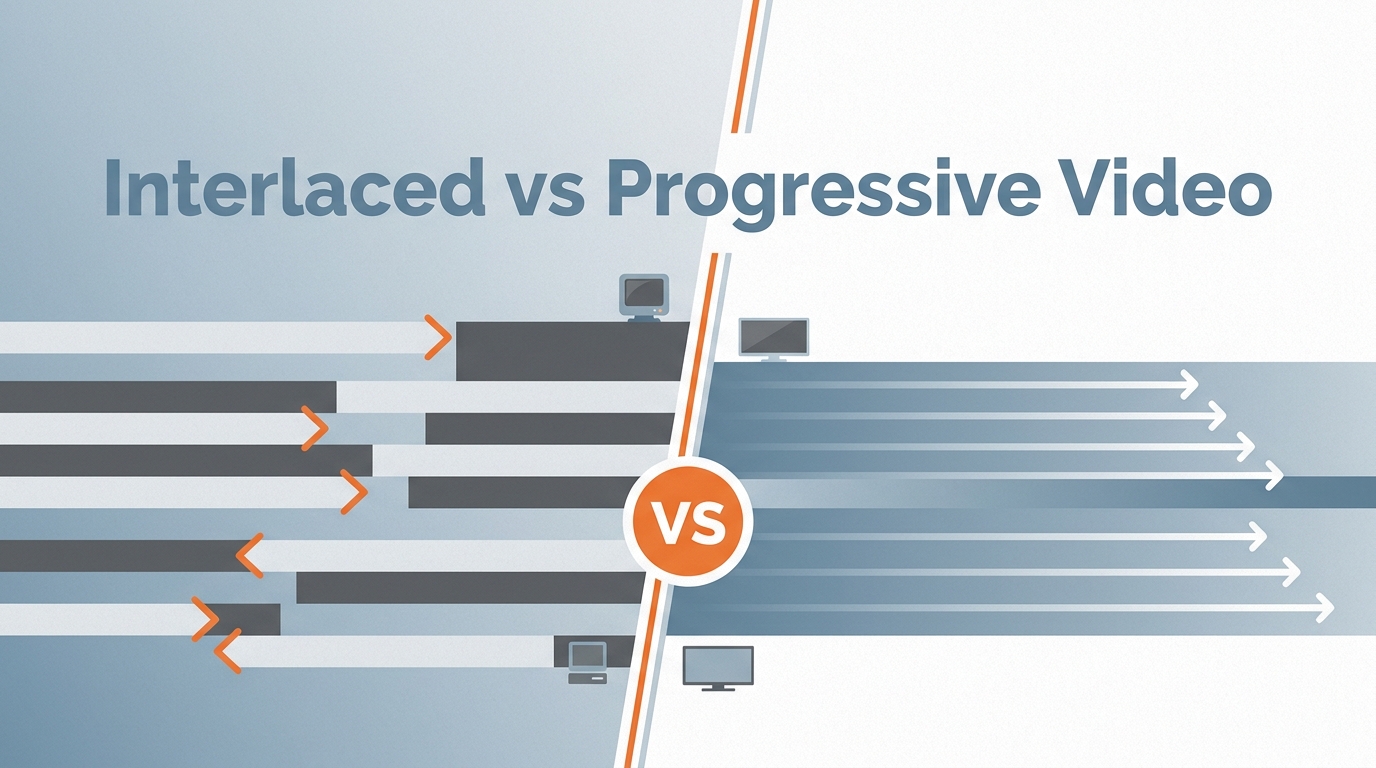
This updated guide explains interlaced vs progressive video, compares practical options and limitations, and shows how to choose settings or tools for the source, device, platform, privacy needs, and output quality. It also addresses interlaced vs progressive, progressive scan, interlaced video using current 2026 guidance.
This updated guide explains how to upscale video, compares practical options and limitations, and shows how to choose settings or tools for the source, device, platform, privacy needs, and output quality. It also addresses upscale video, increase video resolution, AI video upscaling using current 2026 guidance.