Compare AI mosaic remover tools for blocky video, including desktop, cloud, browser, and open-source options. The roundup ranks realistic strengths, privacy and setup trade-offs, and separates compression repair from impossible perfect-uncensoring claims.
Understand what mosaic censorship is, how mosaic blur and pixelization work, why the effect is used, and why AI can reduce compression-style blocks but cannot faithfully reveal deliberately hidden pixels.
Looking for a powerful AI tool to turn your low-res videos into stunning 4K? Winxvideo AI promises to enhance video quality with smart algorithms and user-friendly features. But how well does it perform in real-world use? In this detailed review, we dive into its features, test results, strengths, and weaknesses — and introduce a top alternative that might better fit your needs.
This updated guide explains video resolution, compares practical options and limitations, and shows how to choose settings or tools for the source, device, platform, privacy needs, and output quality. It also addresses video resolutions, resolution explained, video resolution chart using current 2026 guidance.
An honest, hands-on look at the CapCut Video Upscaler in 2026: how its AI upscaling performs on real footage, where it over-smooths skin and over-sharpens detail, what CapCut Pro costs across platforms, a step-by-step guide to getting 4K, and how it compares to a dedicated alternative (UniFab Video Upscaler AI) for creators who need sharper, more natural results.
Looking for the best AI video enhancer for Mac in 2026? After testing 5 leading tools (UniFab, Topaz, AVCLabs, AnyMP4, Aiseesoft) on the same animation, film, and noisy clips on Apple Silicon, UniFab Video Enhancer AI ranks #1 for overall quality, Apple Silicon optimization, and 30-day no-watermark trial.
This 2026 guide shows you how to upscale 480p to 1080p with five tested tools, starting with a hands-on UniFab Video Upscaler AI tutorial that runs on any modern PC. Compare AI upscalers (UniFab, AVCLabs), editors (DaVinci Resolve, Premiere Pro), and a free online converter (ANYMP4), see real benchmark timings on four GPUs, and find the right workflow whether you have one home video or a full DVD archive to convert from 480p to 1080p.
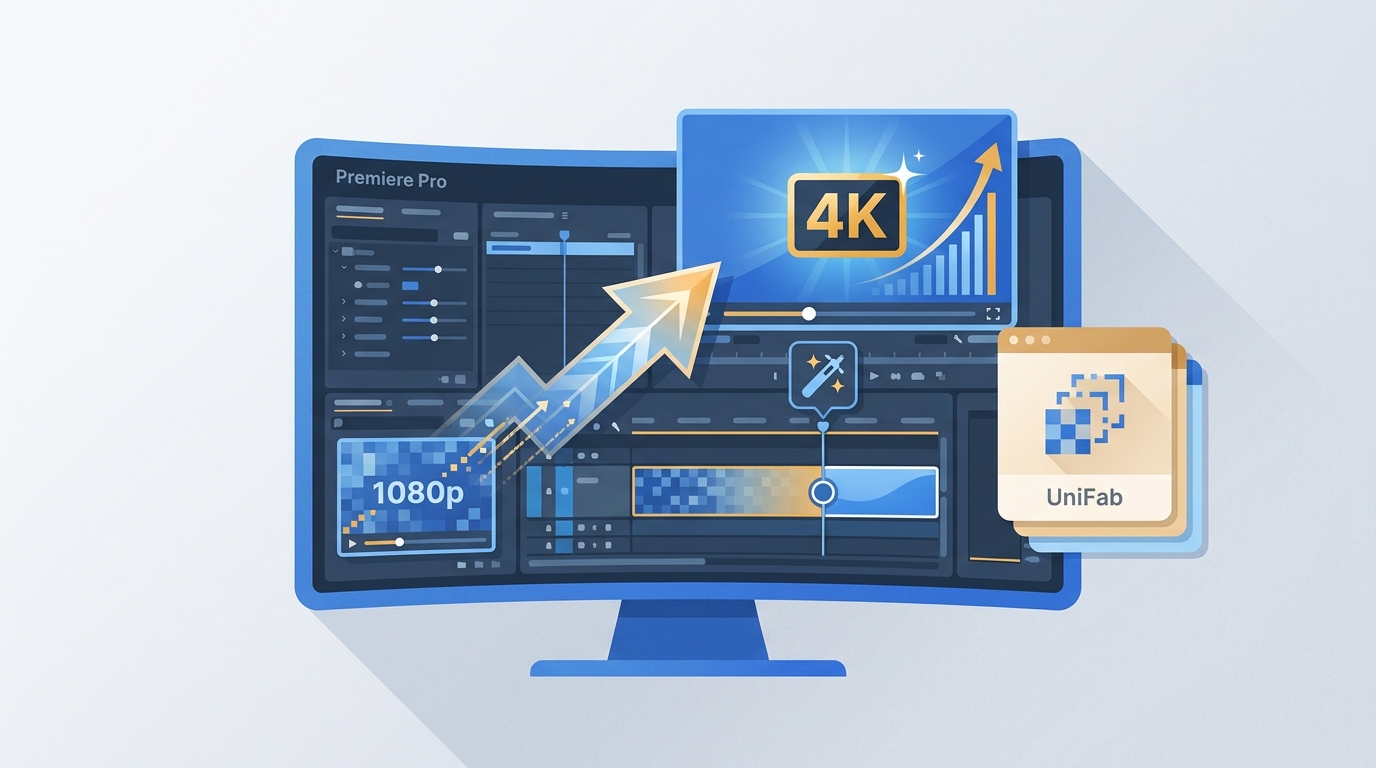
A step-by-step 2026 guide to upscaling video in Premiere Pro, covering all three methods — sequence settings, Effect Controls scaling, and After Effects Detail-Preserving Upscale — plus the critical Set to Frame Size vs Scale to Frame Size difference, troubleshooting fixes, Premiere's upscaling limits, and when an AI tool like UniFab Video Enhancer AI delivers genuinely sharper results.
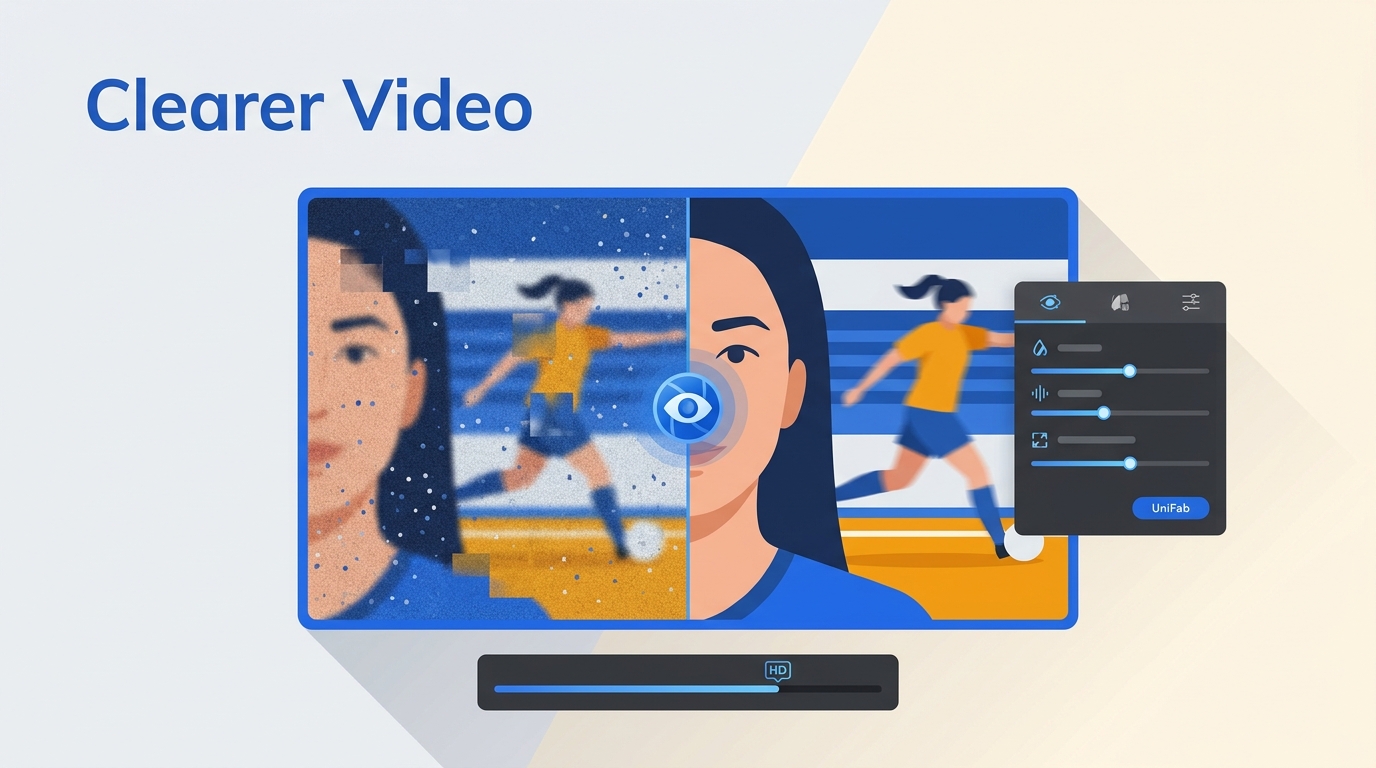
Blurry, grainy, or pixelated videos can be frustrating — especially when the footage matters. Whether you're trying to salvage old family recordings, fix shaky handheld clips, or upscale low-resolution content for a bigger screen, learning how to make a video clearer is easier than you might think. This guide covers every method available in 2026: AI-powered desktop software, free tools, online editors, mobile apps, and professional editing suites. We'll walk you through step-by-step instructions for each approach so you can choose the one that fits your needs and skill level.
Learn how to use JavPlayer, understand its setup and mosaic-reduction limits, and compare it with a simpler modern VideoRefiner AI workflow. The guide is limited to authorized footage and does not promise recovery of deliberately destroyed pixels.