Video

Nero AI Video Upscaler Review 2026: 6 Models, Price and Results.

Updated on September 30, 2026
Nero AI Video Upscaler Review 2026: 6 Models, Price and Results.
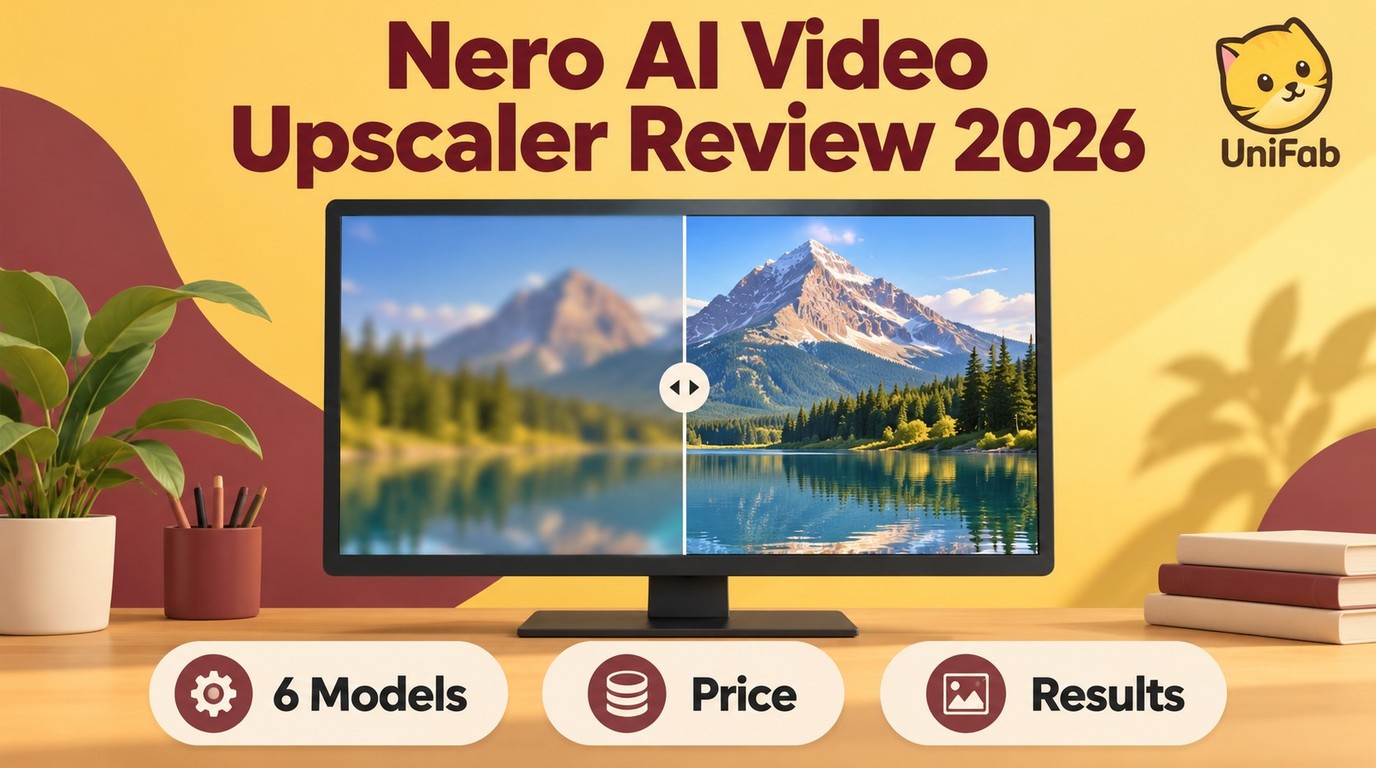
Nero AI Video Upscaler offers six models and MP4 export on Windows. This review explains the illustrated model results, current price, watermark-free evaluation and hardware requirements, then compares Nero with UniFab’s local and cloud workflows. Five FAQs cover export, Mac access, watermarks, hardware and black borders.
FLV to MP4: 5 Options for Small Files and Batches

Updated on September 29, 2026
FLV to MP4: 5 Options for Small Files and Batches
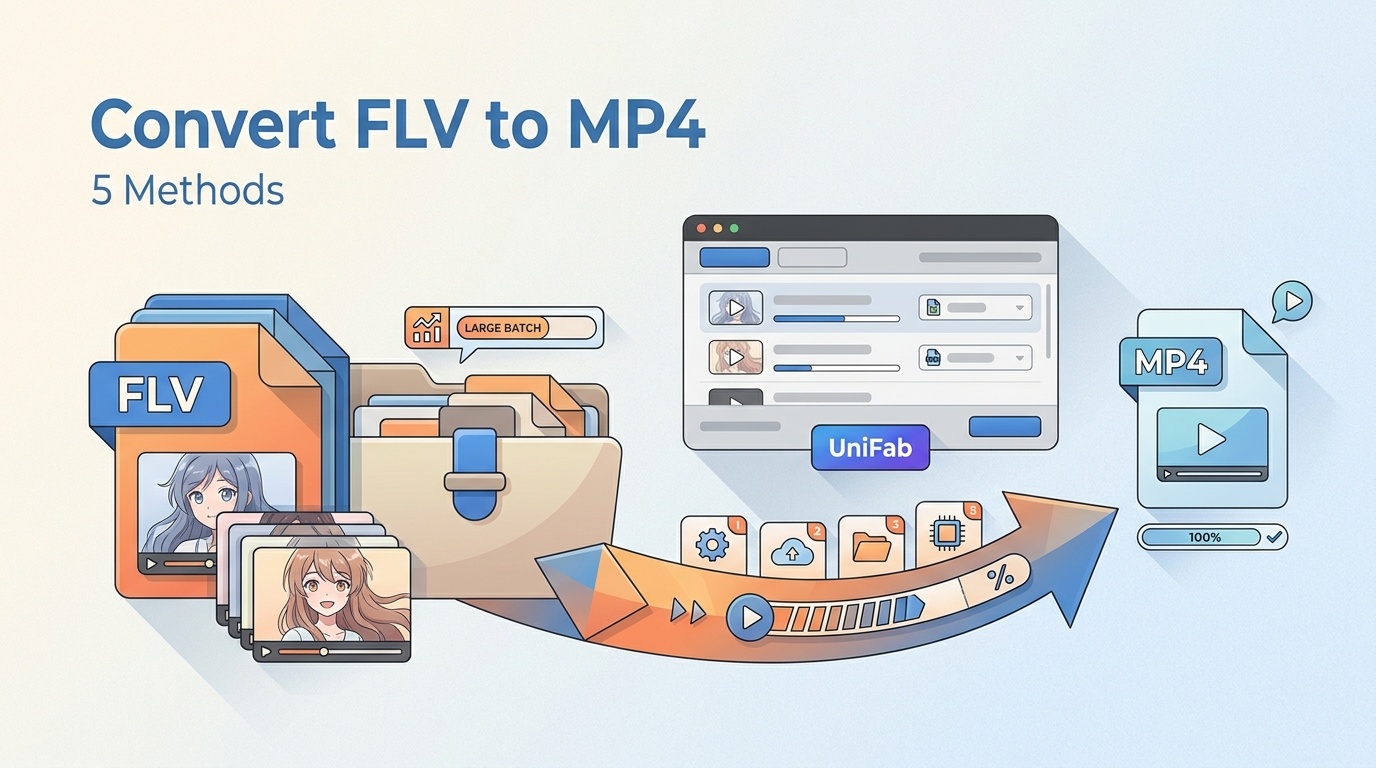
A 2026 guide to converting FLV — including the huge body of Flash-era anime archives — into MP4 you can actually play on a phone, smart TV, or modern browser. We cover the practical FLV vs MP4 differences after Adobe Flash's 2020 end-of-life, a benchmarked comparison of UniFab Video Converter, VLC, HandBrake, and online tools on a 30-episode anime batch, a three-step UniFab walkthrough with troubleshooting tips, and ten FAQs covering quality preservation, batch conversion, and FLV anime upscaling.

Convert Video to 4K Online Free: How to Get True Ultra HD Output in Your

Updated on September 29, 2026
Convert Video to 4K Online Free: How to Get True Ultra HD Output in Your
To convert video to 4K online free in 2026, upload a 1080p source to UniFab Video Enhancer AI Cloud — 2× AI upscaling turns 1920×1080 into a true 3840×2160 Ultra HD MP4 in about 5 minutes, with 30 free credits on signup and no watermark. If your clip is already 4K but in the wrong container (MKV, AVI, MOV) and you just need a format swap, pick a pure online converter like VEED.io or Convertio instead. This guide covers both paths: when you need AI upscaling, when you only need format conversion, and which free browser tool fits each job.

1080i vs 1080p: Differences, Best Uses, and Conversion

Updated on September 28, 2026
1080i vs 1080p: Differences, Best Uses, and Conversion
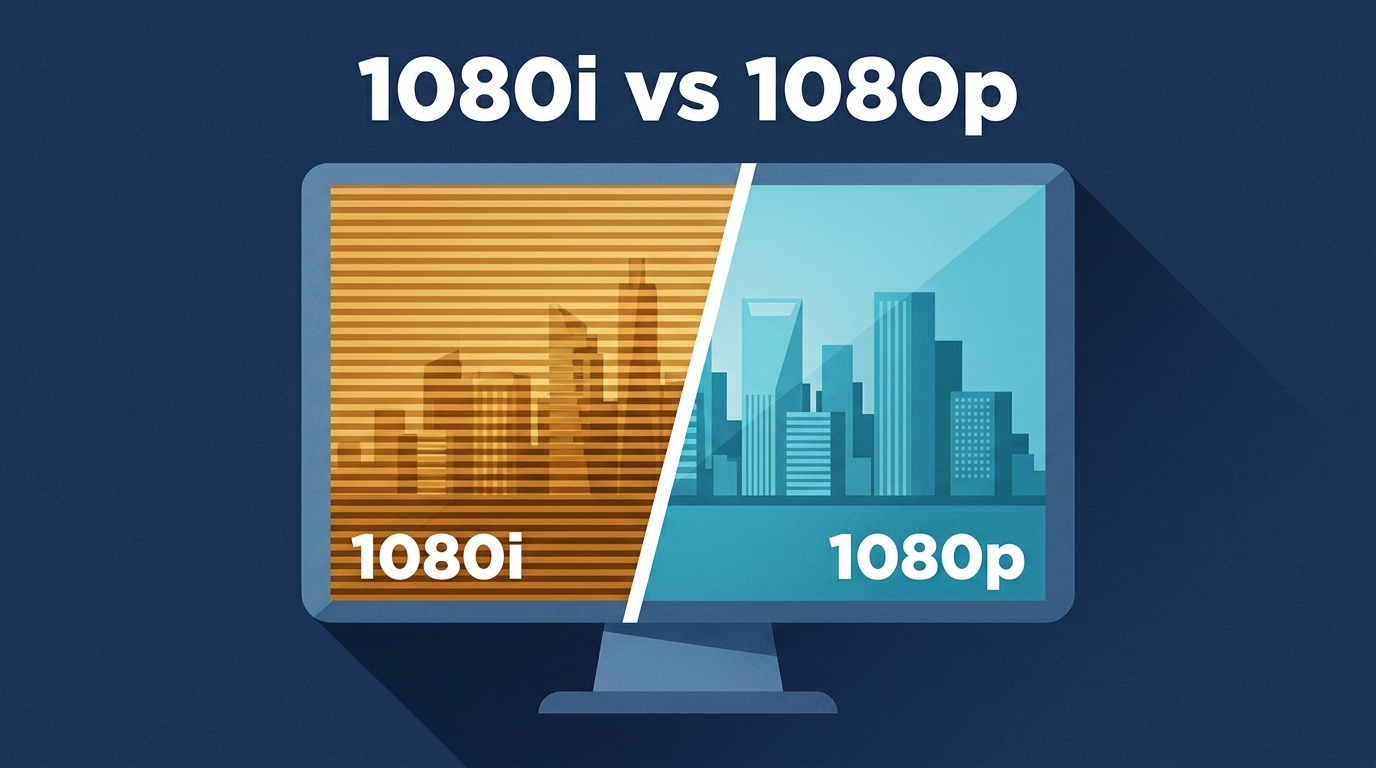
1080p generally handles motion more cleanly, but scan labels do not tell the whole story. This guide explains field and frame rates, compares common sources and device settings, and shows how to convert interlaced footage for progressive playback without confusing deinterlacing with upscaling.

How to Remove Filmora Watermark: Official Export Options

Updated on September 28, 2026
How to Remove Filmora Watermark: Official Export Options
The right Filmora watermark removal path depends on whether the original WFP project still exists. This guide compares official re-export, authorized editing options for ordinary overlays, privacy and quality tradeoffs, future editor choices, and realistic restoration after a clip has already been altered.

How to Reduce Grain in Video in 2026: Current Editing and AI Workflows

Updated on September 28, 2026
How to Reduce Grain in Video in 2026: Current Editing and AI Workflows
A 2026 guide to reducing video grain for editors and pro creators. Covers Premiere Pro's Median effect, DaVinci Resolve's Spatial + Temporal NR, AI degraining with UniFab Denoise AI, and CapCut's mobile AI Denoise. Includes a 30-second TL;DR, a 4-tool comparison table, 10 FAQs covering Premiere Pro median troubleshooting, DaVinci workflow, file format export, and when to choose AI over manual degraining.

Video Quality Enhancer Online: 7 Best Free Tools to Fix Blurry Videos (2026)

Updated on June 24, 2026
Video Quality Enhancer Online: 7 Best Free Tools to Fix Blurry Videos (2026)
Blurry phone clips, compressed WhatsApp downloads, and grainy screen recordings can all be fixed in the browser — no software install needed. We tested 7 popular online video quality enhancers (UniFab AI Cloud, Wink, Vmake, TensorPix, Canva, HitPaw, Cutout.pro) on the same degraded 480p clip and ranked them by real enhancement quality, free-plan limits, watermarks, and max output. This guide shows which tool to pick for AI upscaling, noise reduction, and watermark-free results.

How to Make a Low Quality Video Look Better: Top 12 Tools & Fixes [2026 Guide]

Updated on August 31, 2026
How to Make a Low Quality Video Look Better: Top 12 Tools & Fixes [2026 Guide]
We've all been there — you find an old video from a family vacation, a graduation ceremony, or a concert you recorded years ago, and the quality is rough. Maybe it's a 480p clip from 2015 that looks like it was shot through frosted glass. Or maybe you downloaded a video that looked fine on your phone but turned into a pixelated mess on your laptop screen. The good news? You don't have to live with bad footage. This guide walks you through the actual tools and techniques that work in 2026 to make a low quality video look better — including a few things we wish someone had told us before we wasted hours on the wrong approach.