Video

YouTube Watermark Size: 150 × 150 Minimum and Display Limits

Updated on November 11, 2026
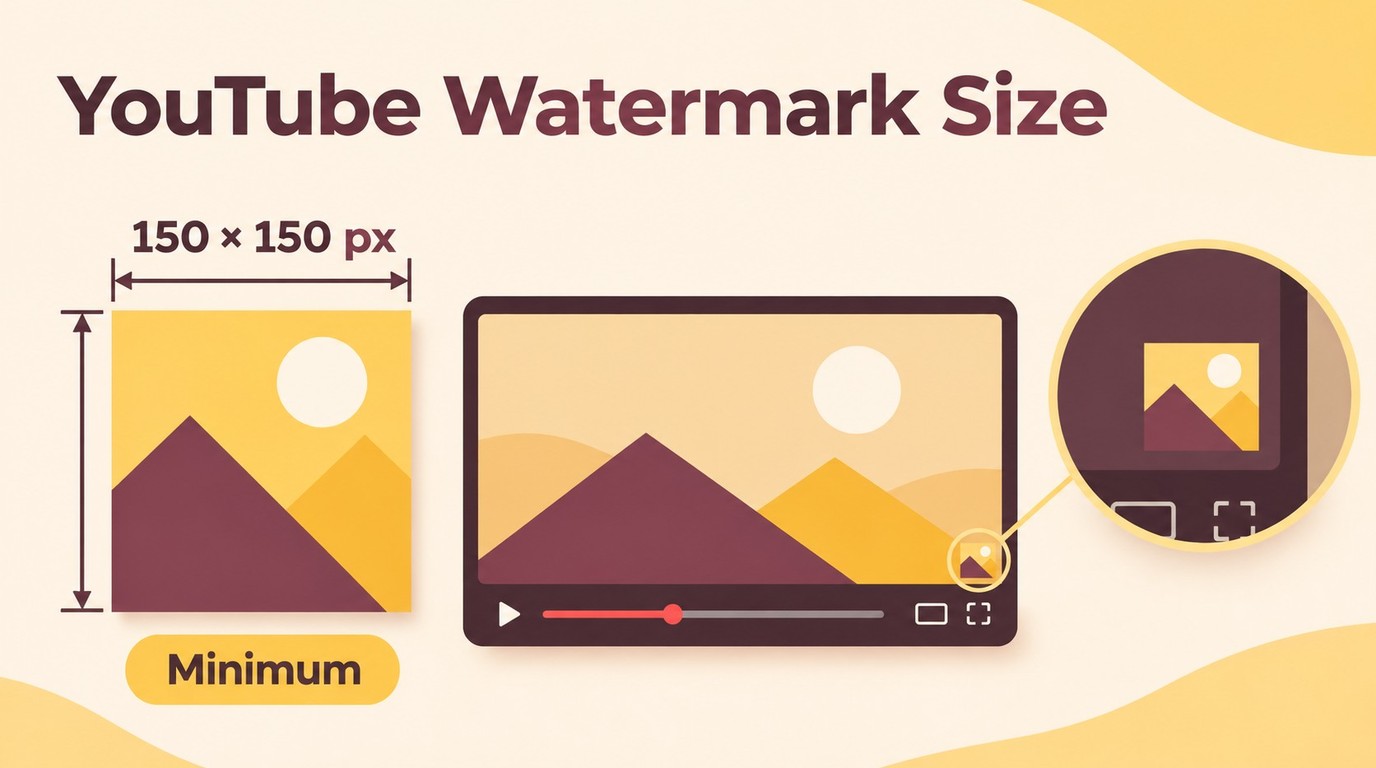
YouTube Watermark Size: 150 × 150 Minimum and Display Limits
This article explains everything you need to know about YouTube watermarks, including what a YouTube watermark is, the ideal YouTube watermark size (150x150 pixels), and how to create, customize, and add watermarks to your videos. It also offers tips on enhancing video quality to boost brand visibility and viewer engagement.
Clideo Review: Free Limits, Safety, and AI Features

Updated on November 11, 2026
Clideo Review: Free Limits, Safety, and AI Features
Clideo is convenient for quick browser edits, but its free watermark, cloud workflow, and manual enhancement controls limit its fit for demanding projects. This review separates its real AI features from its Video Clearer, explains current plan and storage differences, and compares Clideo with browser-based and local AI enhancement options.

YouCam Enhance Review (2026): Photo Tools, Credits, and Video

Updated on November 11, 2026
YouCam Enhance Review (2026): Photo Tools, Credits, and Video
YouCam Enhance is a cloud-based AI tool for upscaling and enhancing video. This 2026 review covers its features, pricing ($6.67/mo premium, free tier capped at 1-minute clips), pros and cons, and how its 4K output compares to UniFab in identical 360p→4K tests. Includes side-by-side performance notes, a feature-by-feature comparison table, and guidance on when YouCam is the right pick versus when UniFab's offline desktop workflow delivers more natural results.

SD vs HD: Video Quality, Data Use, and Which to Choose

Updated on November 11, 2026
SD vs HD: Video Quality, Data Use, and Which to Choose
This updated guide explains SD vs HD, compares practical options and limitations, and shows how to choose settings or tools for the source, device, platform, privacy needs, and output quality. It also addresses SD resolution, HD resolution, standard definition vs high definition using current 2026 guidance.

60 FPS Converter: Desktop and Online Options for 2026

Updated on November 11, 2026
60 FPS Converter: Desktop and Online Options for 2026
The best 60 fps converter for most users in 2026 is UniFab Smoother AI. In our hands-on tests on an RTX 4070, it produced the cleanest AI-interpolated frames on fast basketball footage and completed a 1-minute 1080p clip in under 3 minutes with no watermark during its 30-day trial. Topaz Video AI and HitPaw are strong alternatives; Veed.io and Media.io are convenient but cut corners on real interpolation. Jump to the Comparison of the Top 60FPS Video Converters for side-by-side test data.

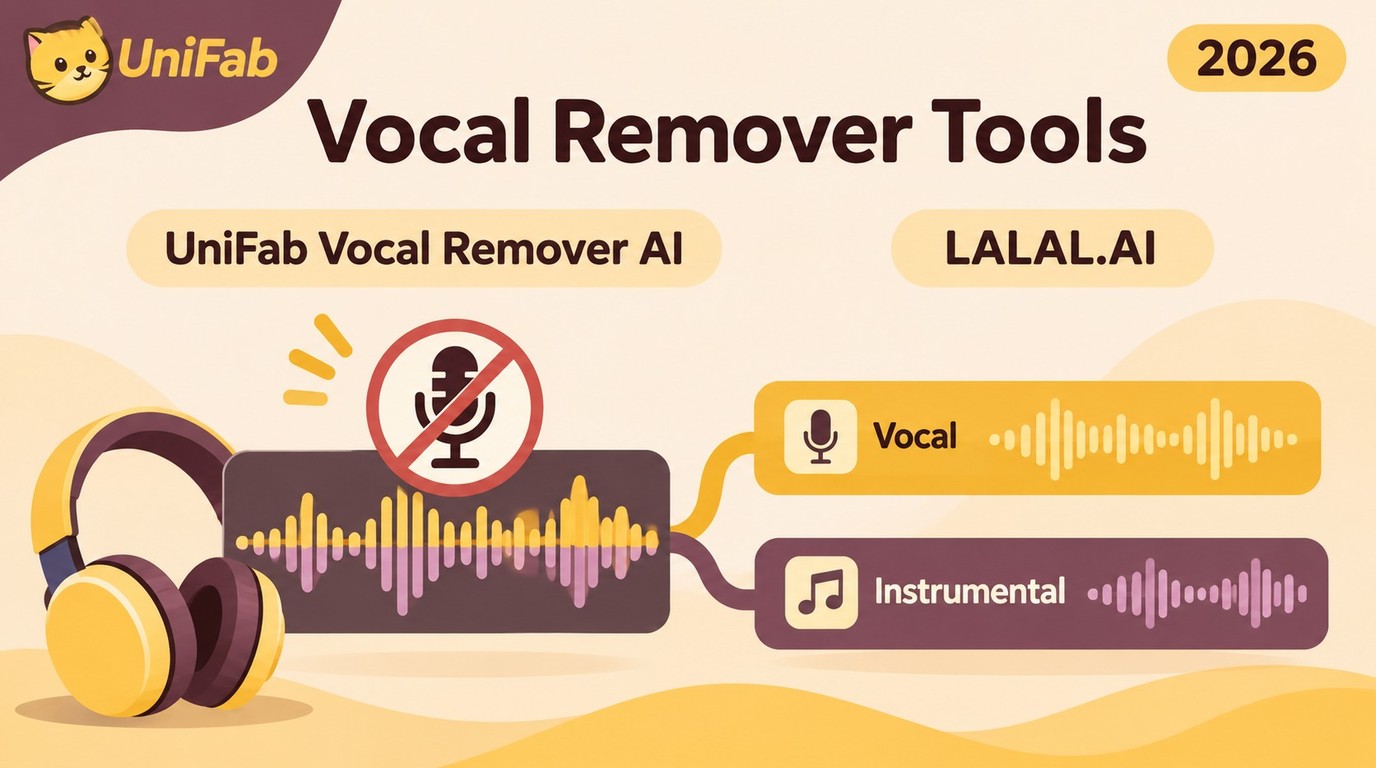
7 Best Free Vocal Remover Software and Online Tools in 2026

Updated on November 11, 2026
7 Best Free Vocal Remover Software and Online Tools in 2026
This updated guide explains free vocal remover software, compares practical options and limitations, and shows how to choose settings or tools for the source, device, platform, privacy needs, and output quality. It also addresses vocal remover software, remove vocals from song, free stem separator using current 2026 guidance.

AI Video Restoration in 2026: VHS, Film, and Authentic Detail

Updated on November 11, 2026
AI Video Restoration in 2026: VHS, Film, and Authentic Detail
Video restoration is the process of recovering watchable quality from damaged or degraded footage by removing noise, rebuilding sharpness, correcting faded color, stabilizing motion, and keeping detail consistent between frames. In 2026, the heavy lifting is handled by AI models trained on millions of degraded-to-clean video pairs, which means a VHS home movie digitized at 480p can now be pushed toward a presentable 1080p or 4K master in hours rather than weeks. This guide breaks down how modern AI restoration actually works, what it can and cannot fix, which tools lead the field, and how to pick between doing it yourself and paying a studio. It leans on hands-on testing with VHS transfers, compressed social clips, and 8mm film scans across a Windows RTX 4060 rig and an Apple M2 Pro laptop.

Upscale AI-Generated Video to 4K: Fix Flicker, Faces, and Soft Detail

Updated on November 11, 2026
Upscale AI-Generated Video to 4K: Fix Flicker, Faces, and Soft Detail
A hands-on guide to fixing and upscaling AI-generated video from Sora, Kling, Veo, and Seedance. Covers why AI clips look soft, waxy, and stuck at 720p, the six defects every AI video has, and the correct repair order — clean structure, restore texture, deflicker, then upscale to 4K last. Includes a symptom-to-fix table, a step-by-step UniFab walkthrough, per-model tips, an honest tool comparison, and a 10-question FAQ.

Make a Video 4K Online Free: 3 Tools and Their Limits

Updated on November 11, 2026
Make a Video 4K Online Free: 3 Tools and Their Limits
To make a video 4K online free in 2026, upload a 1080p source to UniFab Video Enhancer AI Cloud. The cloud GPU doubles 1920×1080 to true 3840×2160 in about 5 minutes, with 30 free credits on signup, no watermark, no install. The whole point of any make video 4K online free tool is that it runs in any browser — Chrome, Safari, Edge — so a phone, Chromebook, or work laptop without admin rights can hit Ultra HD without downloading anything. This guide covers the three free browser tools that actually deliver, exactly how to use them, and what realistic results look like.