Video

How to Stabilize Video in Premiere Pro: 6 Steps

Updated on November 10, 2026
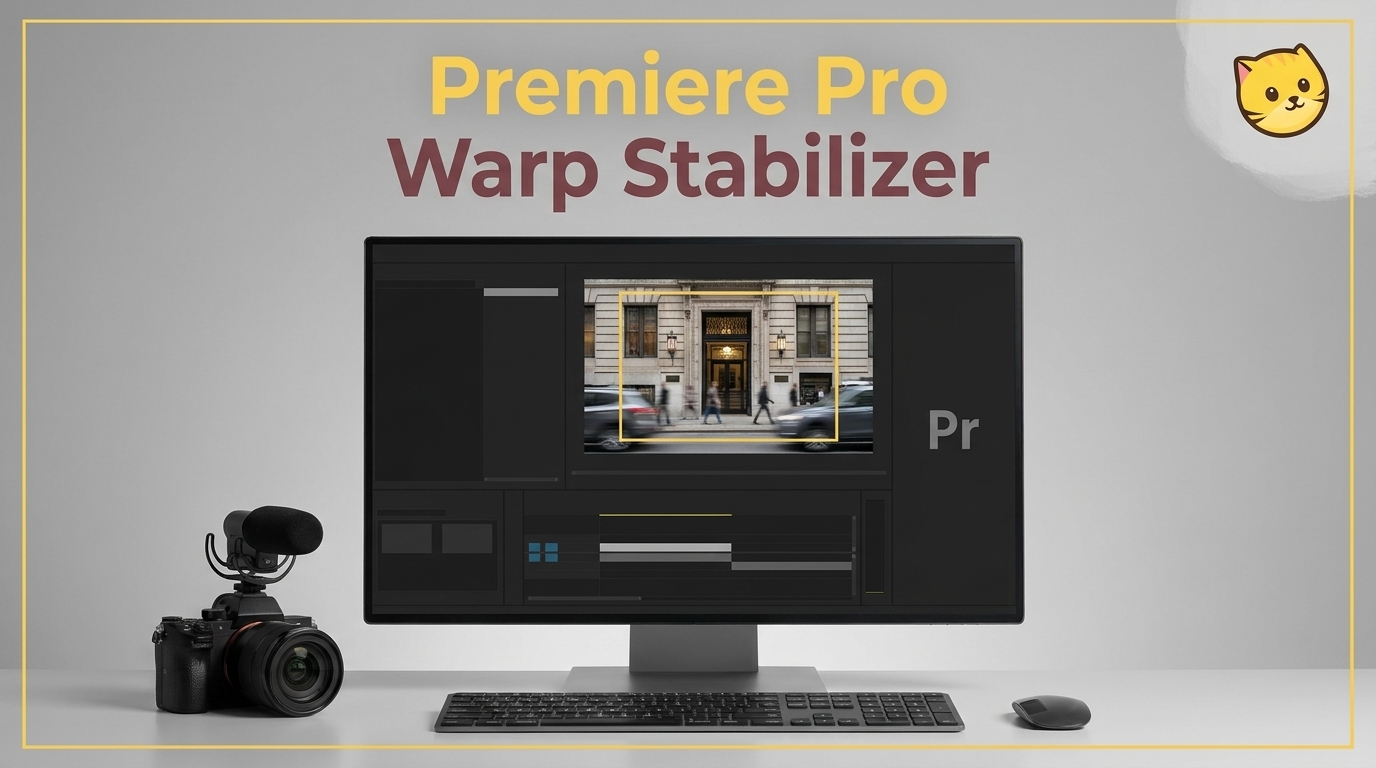
How to Stabilize Video in Premiere Pro: 6 Steps
A complete 2026 tutorial on stabilizing footage in Premiere Pro with the Warp Stabilizer effect: applying it, tuning Result (Smooth Motion / No Motion), Method, Smoothness and Framing, fixing warp artifacts, handling long clips and effect order, and exporting. Includes a Premiere Pro vs UniFab Video Stabilizer AI comparison, free alternatives (DaVinci Resolve, CapCut, VLC), and a 10-question FAQ.
Video2X vs Topaz: Which Fits You in 2026?

Updated on November 10, 2026
Video2X vs Topaz: Which Fits You in 2026?
A scenario-based comparison of Video2X and Topaz for AI video upscaling in 2026, covering output quality by footage type, real costs including setup and render time, a four-step selection process, and where a lifetime-licensed local tool fits between the free and subscription options.

Colorize Video Online Free in 2026: Previews and Desktop Options

Updated on November 10, 2026
Colorize Video Online Free in 2026: Previews and Desktop Options
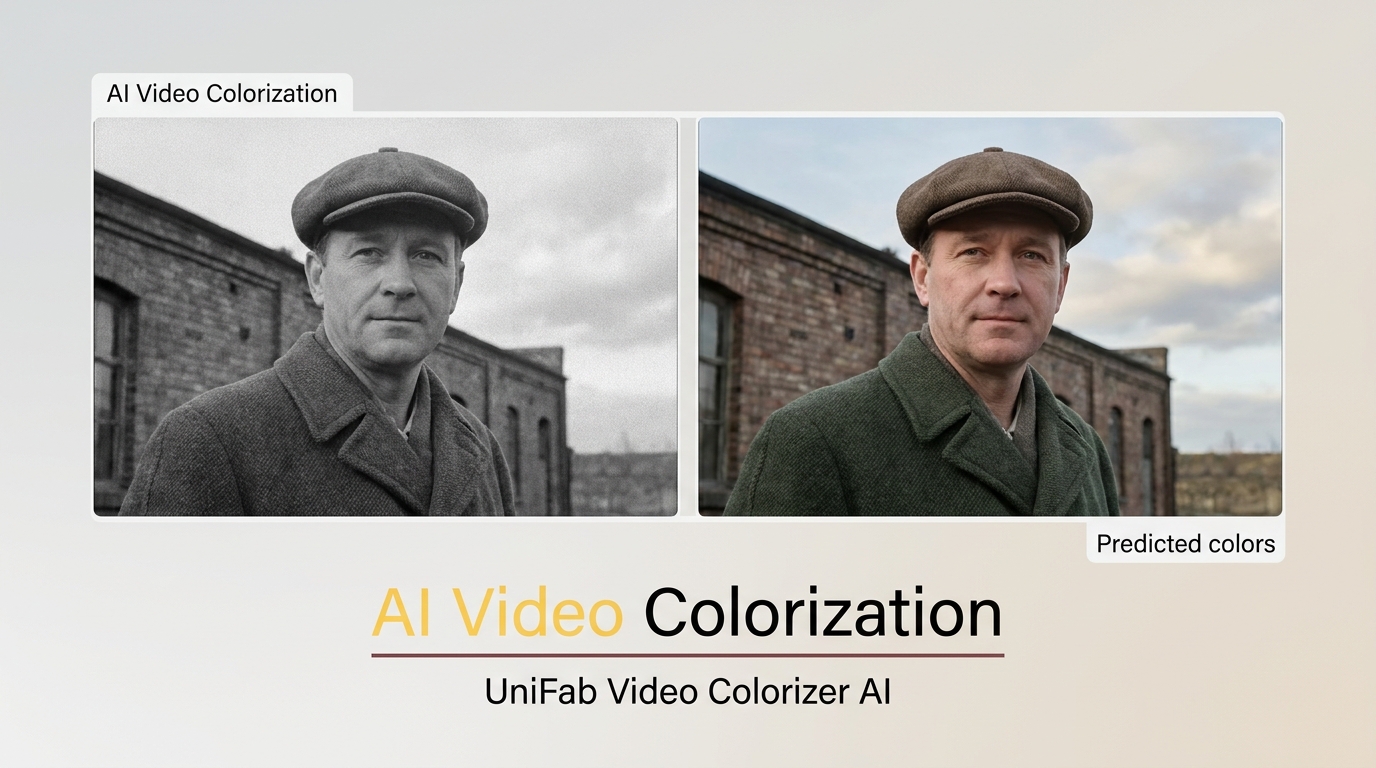
Convert a black and white video to color in 2026 hands-on guide. Tests 4 free online converters (Kolorize, HDconvert, Ai4video, editingtools.io) plus 3 desktop AI tools (UniFab, HitPaw, AVCLabs) on the same archival clip. Includes 4-stage AI pipeline explainer, online vs desktop decision matrix, 3-step UniFab tutorial, and 10 FAQs covering free paths, speed, privacy, historical accuracy.

6 Video Colorizer Tools to Colorize Video in 2026

Updated on November 10, 2026
6 Video Colorizer Tools to Colorize Video in 2026
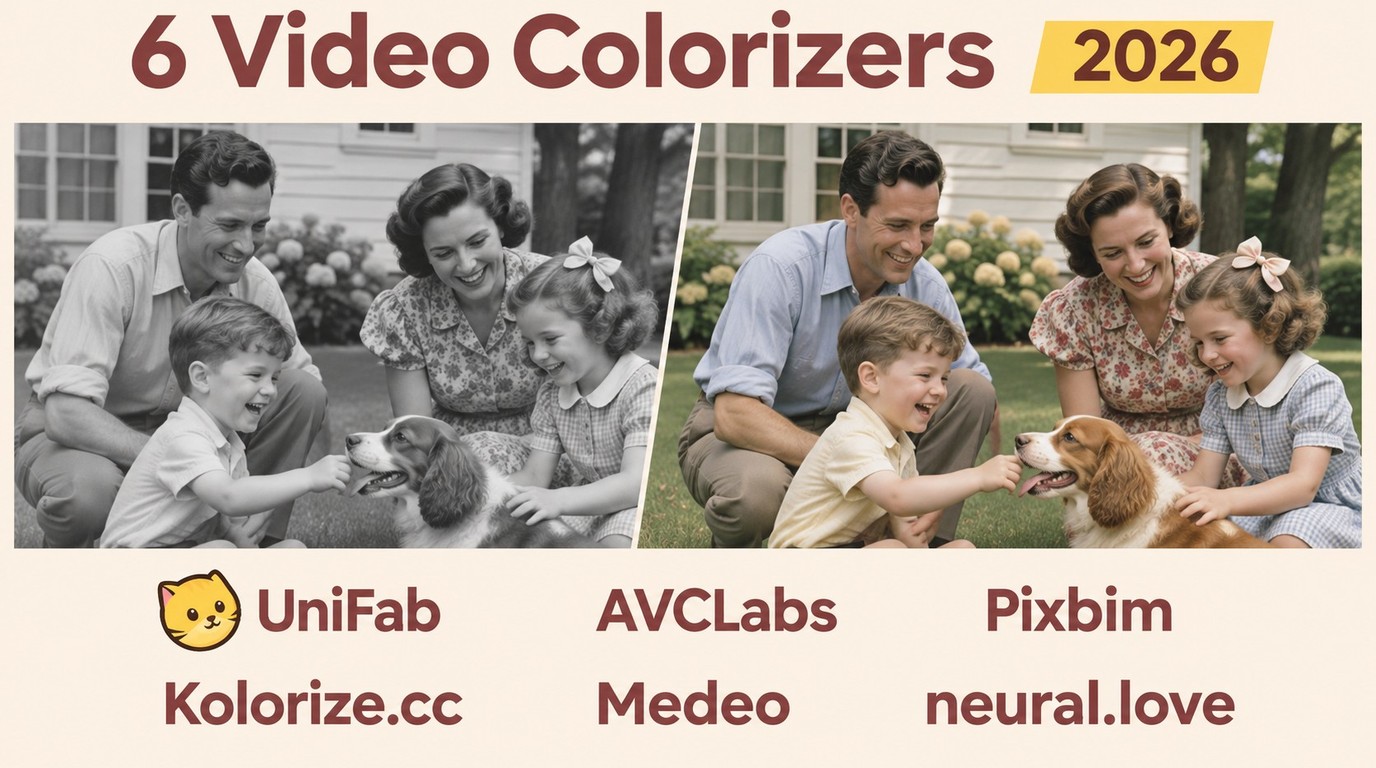
Looking for the best colorize video software in 2026? This hands-on review compares six AI-powered tools — UniFab, Kolorize, Medeo, neural.love, AVCLabs, and Pixbim — across colorization accuracy, output resolution, free-trial limits, and processing speed. You will learn how AI colorize video software works frame by frame, how it differs from manual color grading, and which tool fits your use case.

Film Colorization in 2026: Black and White Movies with AI

Updated on November 10, 2026
Film Colorization in 2026: Black and White Movies with AI
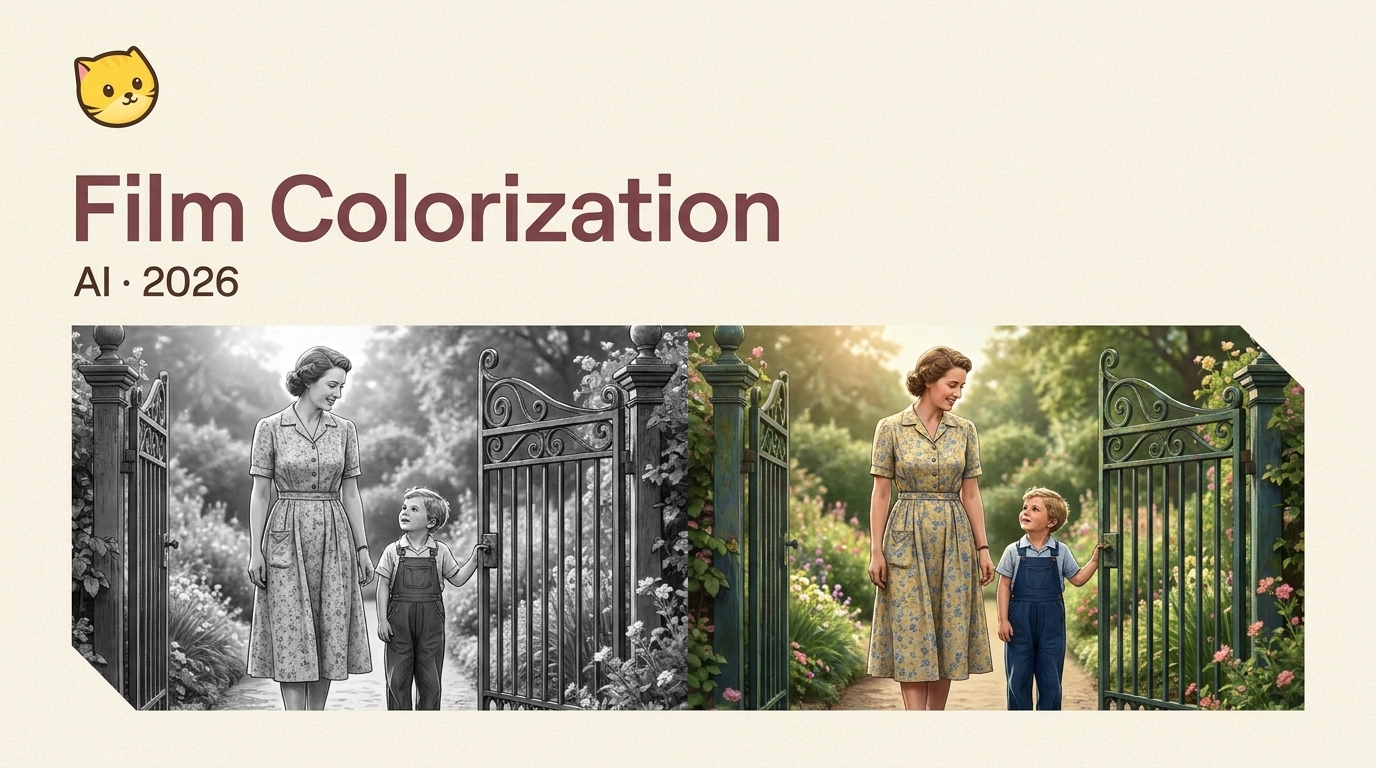
Film colorization transforms black and white footage into full-color video, breathing new life into historical recordings, classic movies, and vintage family films. What once required teams of skilled artists painting individual frames by hand can now be accomplished in minutes using AI-powered software. This guide explains how film colorization works, compares traditional and AI methods, and walks you through colorizing your own black and white film using AI tools.

Online 1080p to 4K Converters: Free MP4 Export Limits

Updated on November 10, 2026
Online 1080p to 4K Converters: Free MP4 Export Limits
The fastest 1080p to 4K converter online free in 2026 is UniFab Video Enhancer AI Cloud: upload a 1920×1080 source, the cloud GPU doubles it to true 3840×2160 with AI detail reconstruction in about 5 minutes, 30 free credits on signup, no watermark, no software install. The whole point of a 4K video converter online is that it runs in any browser — Chrome, Safari, Edge — so a phone, Chromebook, or work laptop without admin rights can hit Ultra HD without downloading anything. This guide covers the four free browser tools that actually deliver 1080p-to-4K detail in 2026, exactly how to use them, and what realistic results look like.

9 Best Free Video Stabilizer Tools to Fix Shaky Footage in 2026

Updated on November 10, 2026
9 Best Free Video Stabilizer Tools to Fix Shaky Footage in 2026
This guide ranks the 9 best free video stabilizer tools in 2026 across desktop software, online tools, and mobile apps — UniFab, DaVinci Resolve, Shotcut, CapCut Online, Kapwing, TensorPix, iMovie, KineMaster, and Filmora App — with a comparison table, free trade-off reality check, step-by-step UniFab tutorial, common stabilization mistakes, and 10 FAQs. By the end you will know exactly which free video stabilizer fits your phone, browser, or PC workflow without losing quality or hitting a watermark.

How to Make TikTok Video Quality Better in 2026 (Step-by-Step Guide)

Updated on November 10, 2026
How to Make TikTok Video Quality Better in 2026 (Step-by-Step Guide)
TikTok routinely compresses uploads, caps playback at 1080p, and re-encodes clips during distribution — which is why so many creators ask why does TikTok ruin my video quality. This 2026 guide breaks down every cause of poor TikTok quality, shows the exact export settings (resolution, codec, bitrate, audio, color) that survive TikTok's pipeline, walks through the in-app HD toggle and TikTok Studio web upload, and explains how AI tools such as UniFab Video Upscaler AI, Denoise AI, and HDR Upconverter let you increase TikTok video quality before the algorithm touches it.