SmoothVideo Project (SVP) Review: VLC Setup & Alternative (2026)

Updated on November 11, 2026
SmoothVideo Project (SVP) Review: VLC Setup & Alternative (2026)
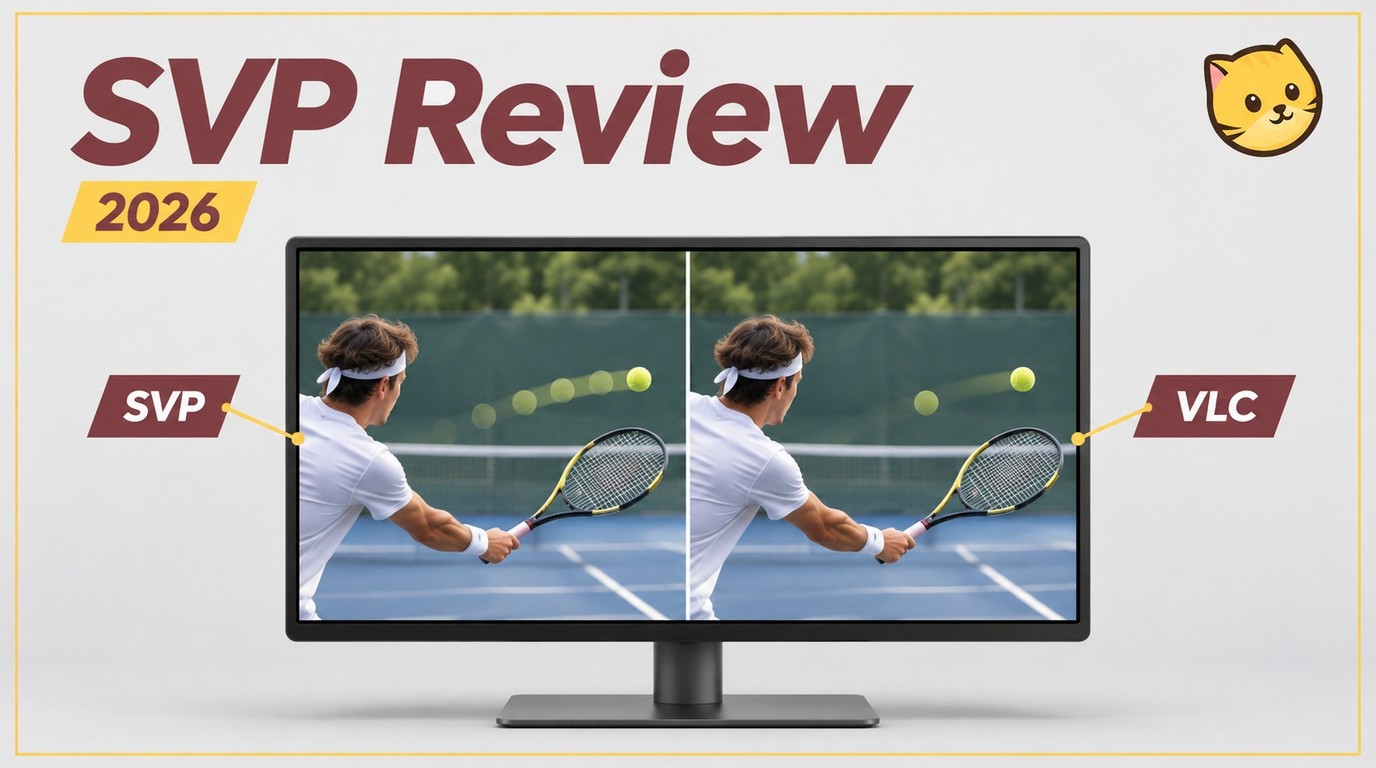
This hands-on SmoothVideo Project (SVP) review tests SVP 4 in 2026: real-time frame interpolation, VLC setup, system requirements, pricing, and honest pros and cons including the soap opera effect. It explains who SVP is best for and when an easier, export-capable AI alternative like UniFab Smoother AI (frame interpolation up to 120 FPS, MP4/MKV export, slow-motion) makes more sense.
Increase FPS on PC: 10 Settings and Hardware Fixes

Updated on November 11, 2026
Increase FPS on PC: 10 Settings and Hardware Fixes
This updated guide explains how to increase FPS, compares practical options and limitations, and shows how to choose settings or tools for the source, device, platform, privacy needs, and output quality. It also addresses increase video frame rate, convert video to 60fps, AI frame interpolation using current 2026 guidance.

Top 10 Slow Motion CapCut Templates [2026]

Updated on November 11, 2026
Top 10 Slow Motion CapCut Templates [2026]
A 2026 guide to the 10 best slow motion CapCut templates: where to find them, how to apply them, and why some look smooth while others stutter. Covers CapCut Optical Flow limits and when to step up to UniFab Smoother AI for true AI frame interpolation up to 120fps.

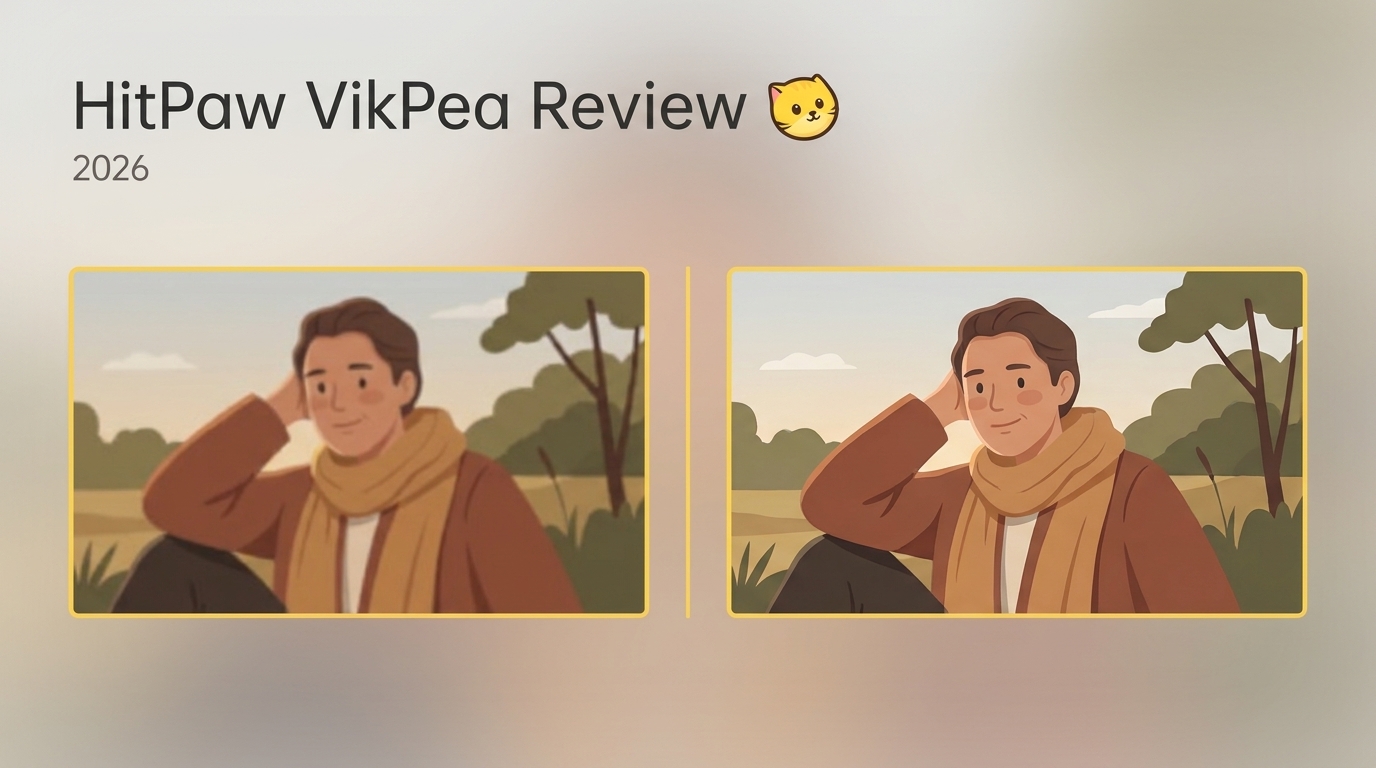
HitPaw Video Enhancer Review 2026: VikPea Features and Pricing

Updated on November 11, 2026
HitPaw Video Enhancer Review 2026: VikPea Features and Pricing
Experience how HitPaw Video Enhancer's AI-powered features improve your videos by reducing noise, enhancing colors, and upscaling resolution. This 2026 HitPaw review dives deep into its performance, highlighting both strengths and weaknesses. Additionally, we compare HitPaw Video Enhancer AI with UniFab Video Enhancer AI, showcasing which tool delivers superior results for clear, high-quality videos.

9 Free Online Video Upscalers: Limits and Exports (2026)

Updated on November 11, 2026
9 Free Online Video Upscalers: Limits and Exports (2026)
Hands-on test of 9 free, browser-based AI video upscalers — UniFab Video Enhancer AI Cloud, Wink, HitPaw, Picwand, AVC.AI, free.upscaler.video, Video2X, Vmake, and Wavespeed — using the same 426×240 and 960×540 portrait sources upscaled to 1080p. Every result graded for detail recovery, skin naturalness, watermark behavior, and privacy posture.

How to Make a Video Slow Motion on Phone, Online, or Desktop

Updated on November 11, 2026
How to Make a Video Slow Motion on Phone, Online, or Desktop
Learn how to make a video slow motion in 2026 across seven methods: iPhone and Android native slo-mo, CapCut, online tools (VEED.IO, Canva, Kapwing), Premiere Pro Optical Flow, and UniFab Smoother AI frame interpolation for smooth results up to 120 FPS. Includes a tool comparison, tips, and a 10-question FAQ.

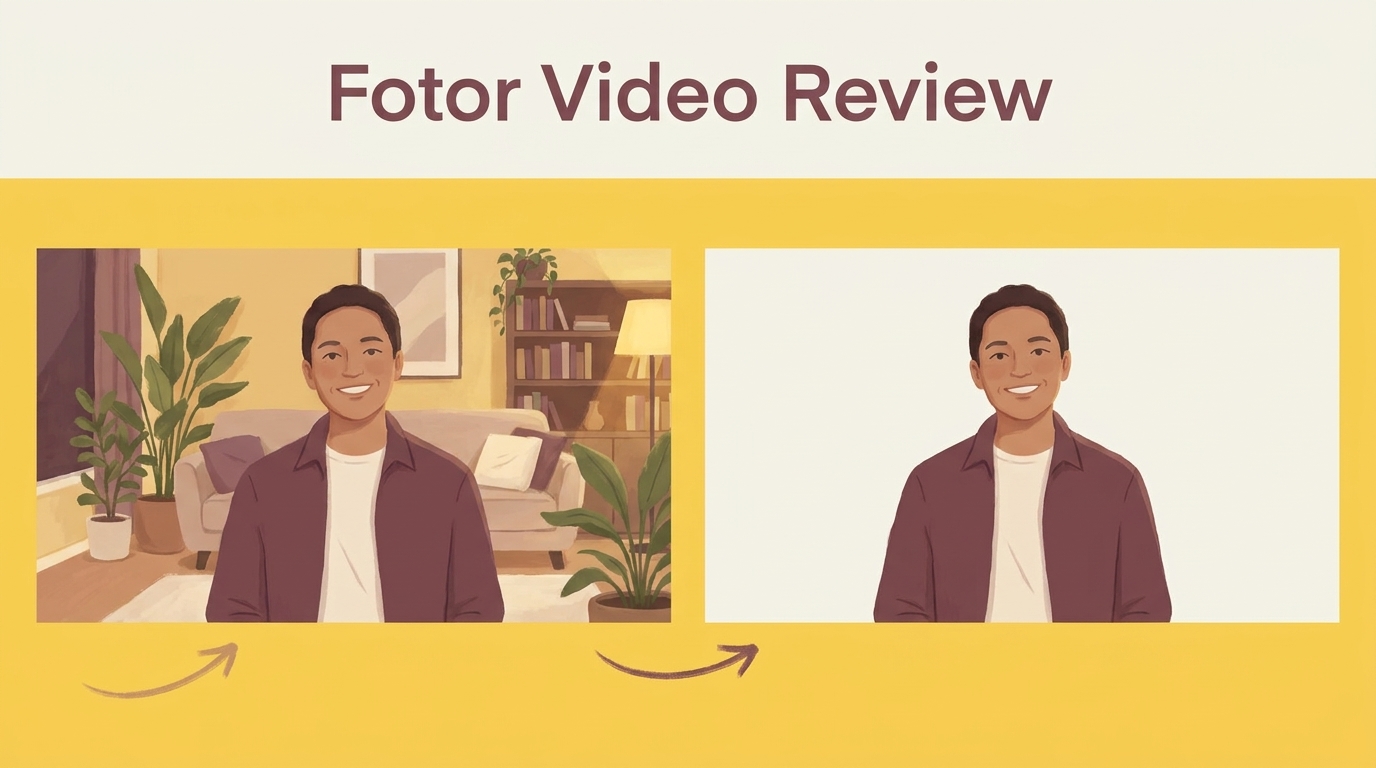
How to Remove Background from Video: 7 Methods

Updated on November 11, 2026
How to Remove Background from Video: 7 Methods
A practical guide to removing a video's background in 2026, comparing seven proven methods—UniFab's free AI remover, Premiere Pro Ultra Key, After Effects roto, Canva, Cutout.Pro, VEED, and Filmora—with step-by-step tutorials, a side-by-side comparison table, tips for clean edges, and a 10-question FAQ on mobile, formats, quality, and chroma key vs AI.

5 Free AI Caption Generator Options for Video (2026)

Updated on November 11, 2026
5 Free AI Caption Generator Options for Video (2026)
Five AI caption generator tools are compared by free allowance, caption-file downloads, rendered-video export, watermarks, editing, and the limits of a short benchmark. The recommendations match UniFab, VEED, Kapwing, Flixier, and Vizard to SRT, social-video, multilingual, and privacy-sensitive workflows rather than naming one winner for everyone.

Clideo Review: Free Limits, Safety, and AI Features

Updated on November 11, 2026
Clideo Review: Free Limits, Safety, and AI Features
Clideo is convenient for quick browser edits, but its free watermark, cloud workflow, and manual enhancement controls limit its fit for demanding projects. This review separates its real AI features from its Video Clearer, explains current plan and storage differences, and compares Clideo with browser-based and local AI enhancement options.