A complete 2026 guide to uploading HDR video on YouTube so it plays back in true HDR. We cover the right export and encoding settings, HDR metadata, HDR10 and Dolby Vision considerations, common reasons HDR uploads look wrong, and how to convert SDR footage to HDR with UniFab before uploading.
A detailed 2026 comparison of the DJI Osmo Pocket 1 vs Osmo Pocket 2, covering sensor size, field of view, image quality, stabilization, audio, battery and price to help you decide which pocket gimbal camera to buy. We also show how to enhance and HDR-upconvert your Osmo footage with UniFab.
Independent 2026 testing of Aiarty Video Enhancer reveals portrait overexposure, leftover noise in superVideo vHQ output, and GPU dependency. UniFab Video Enhancer AI delivers cleaner output and 2-3x faster speed across the same source clips.
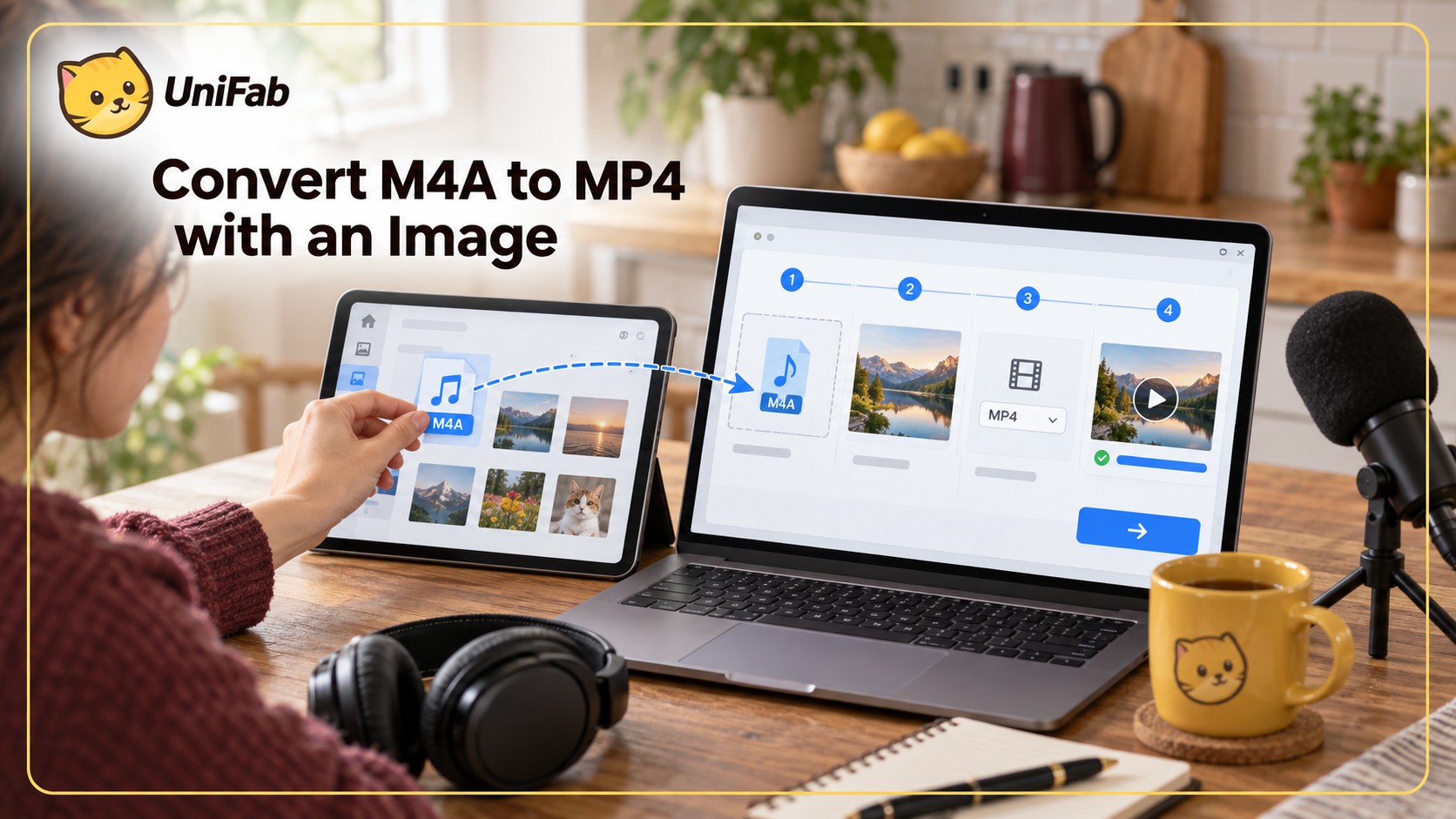
Learn how to pair M4A audio with a real video track and export a compatible MP4. This guide covers browser and desktop routes, codec choices, quality, mobile workflows, and common file-extension mistakes.
The right Filmora watermark removal path depends on whether the original WFP project still exists. This guide compares official re-export, authorized editing options for ordinary overlays, privacy and quality tradeoffs, future editor choices, and realistic restoration after a clip has already been altered.
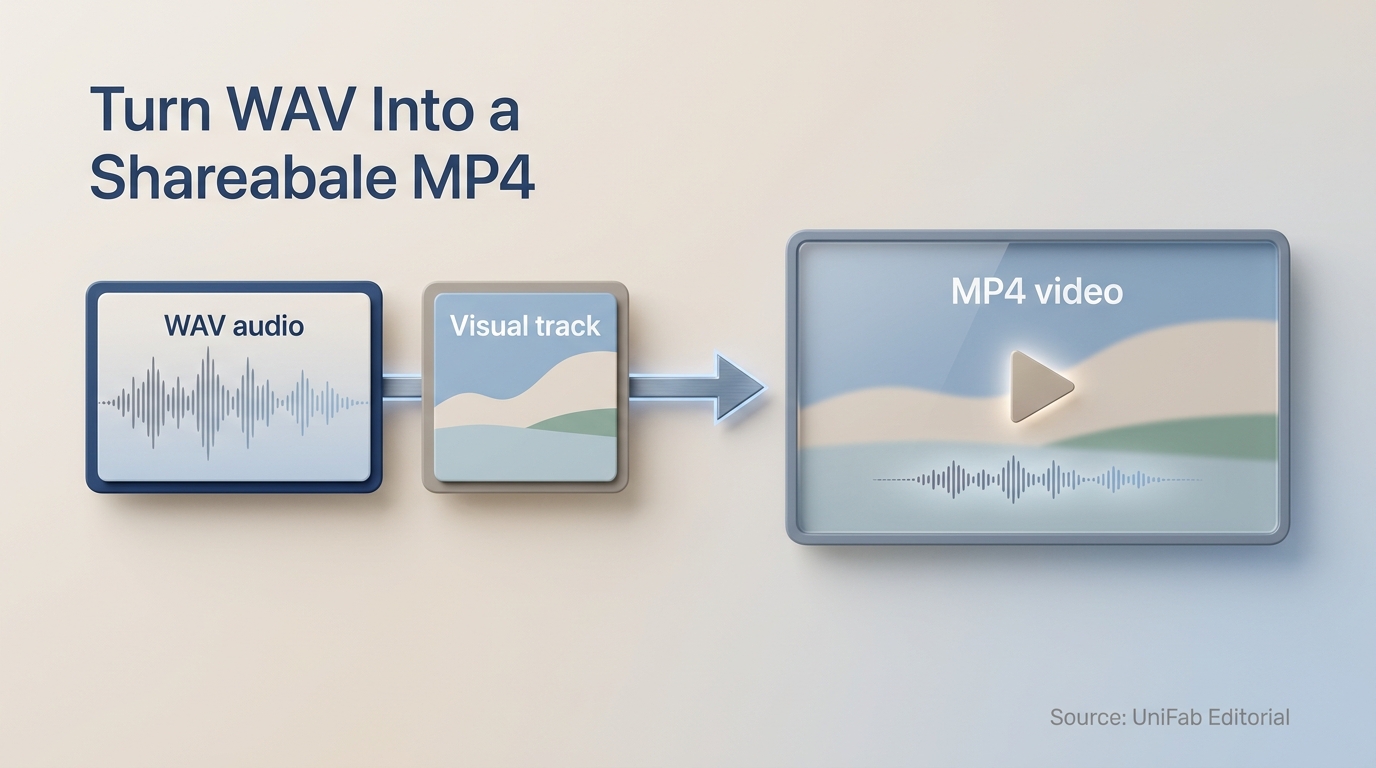
WAV is audio-only, so a shareable MP4 usually needs a visual track as well. This guide explains the four-step workflow, quality trade-offs, and when local processing is a better fit than an online converter.
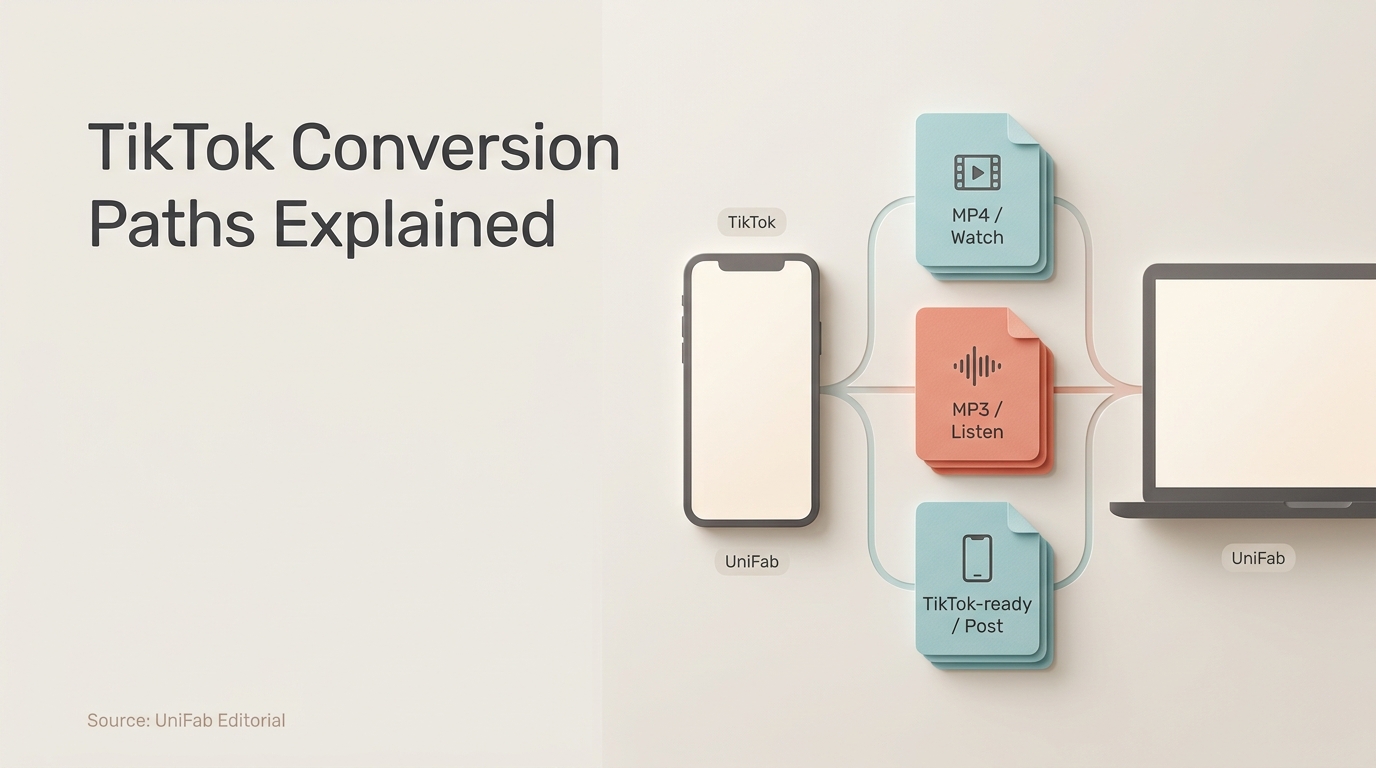
This guide separates three TikTok conversion jobs: saving permitted videos as MP4, extracting permitted audio as MP3, and preparing owned source files for upload. It explains online and local workflows, quality limits, rights, safety, and device constraints.
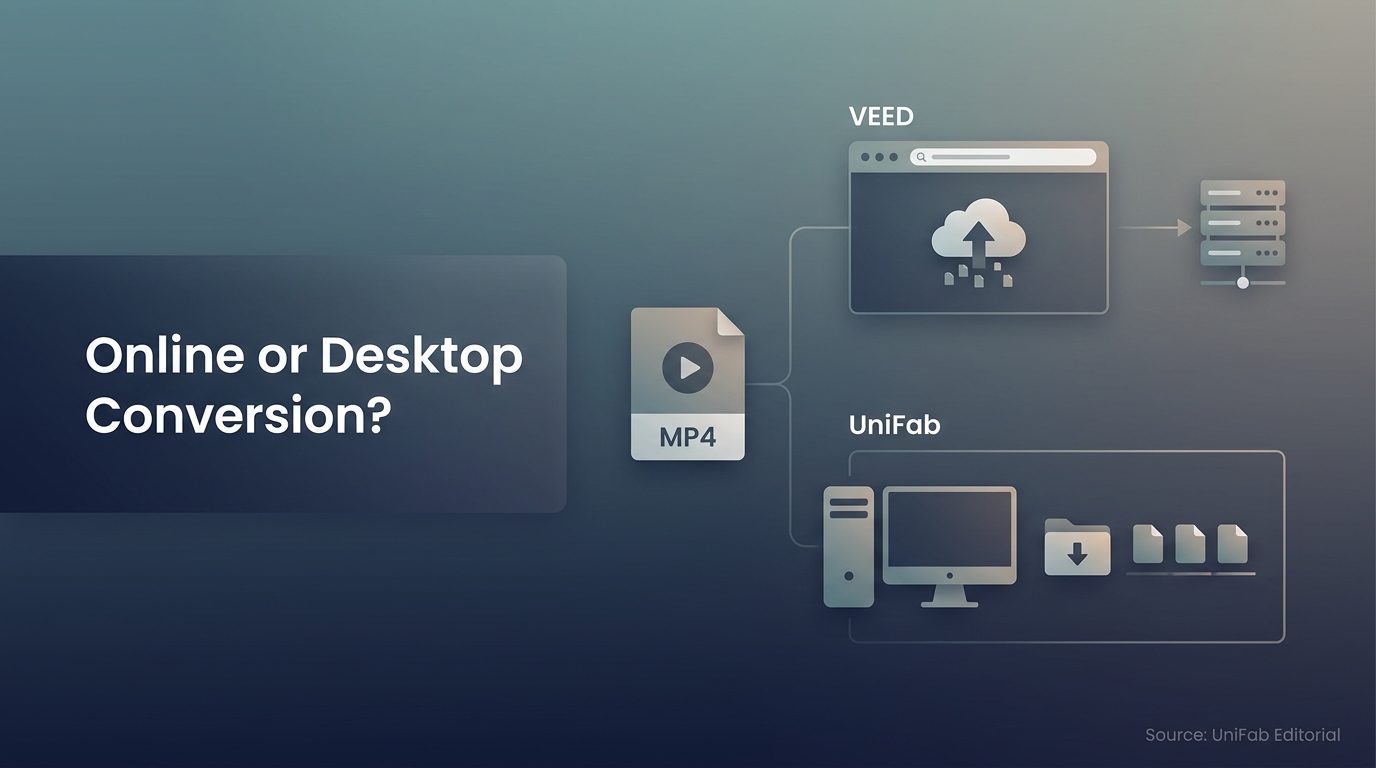
VEED handles quick video and audio conversions in a browser, but upload, export, plan, and connection conditions affect the finished result. This guide explains the workflow and when a local desktop converter is a more suitable choice.
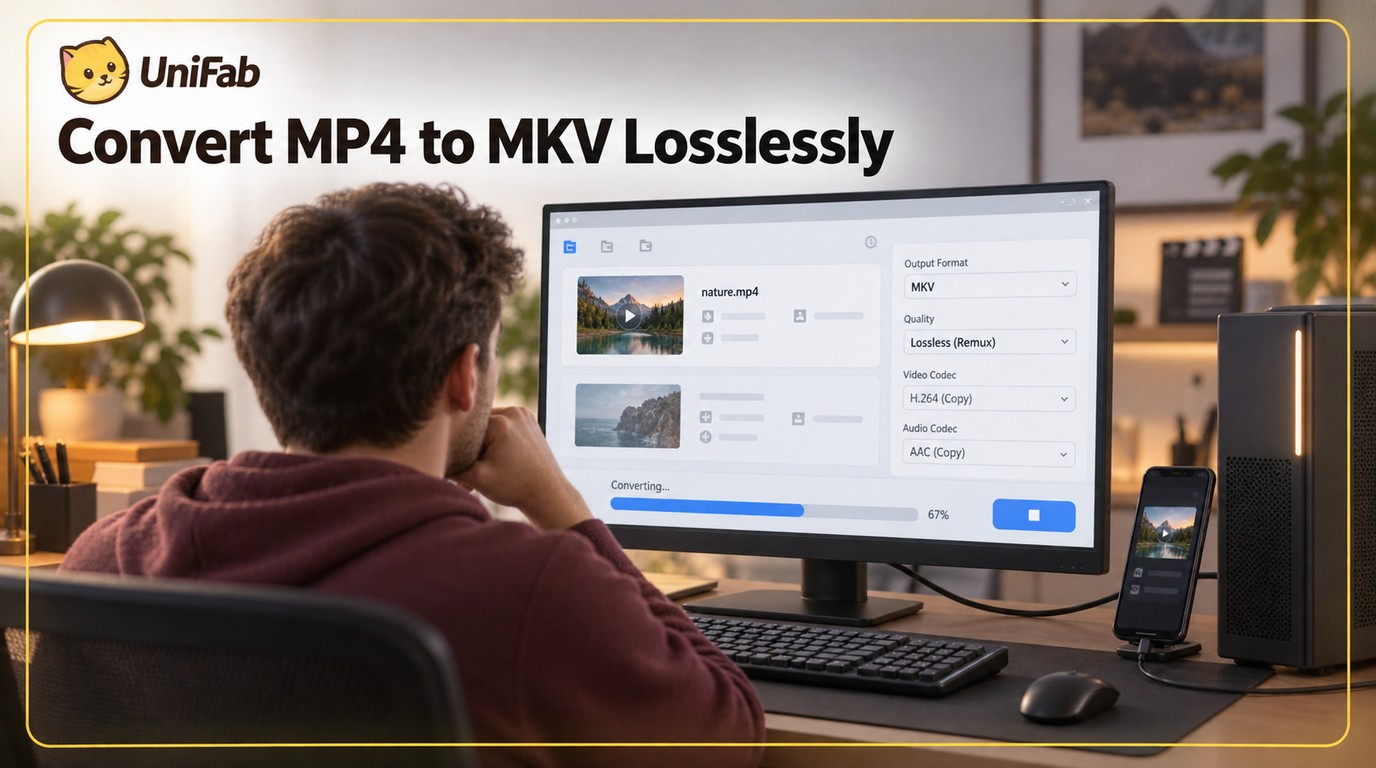
Learn when an MP4-to-MKV change can use lossless remuxing, when re-encoding is necessary, and which desktop, online, or FFmpeg workflow fits your files. The guide also covers tracks, subtitles, metadata, and playback checks.
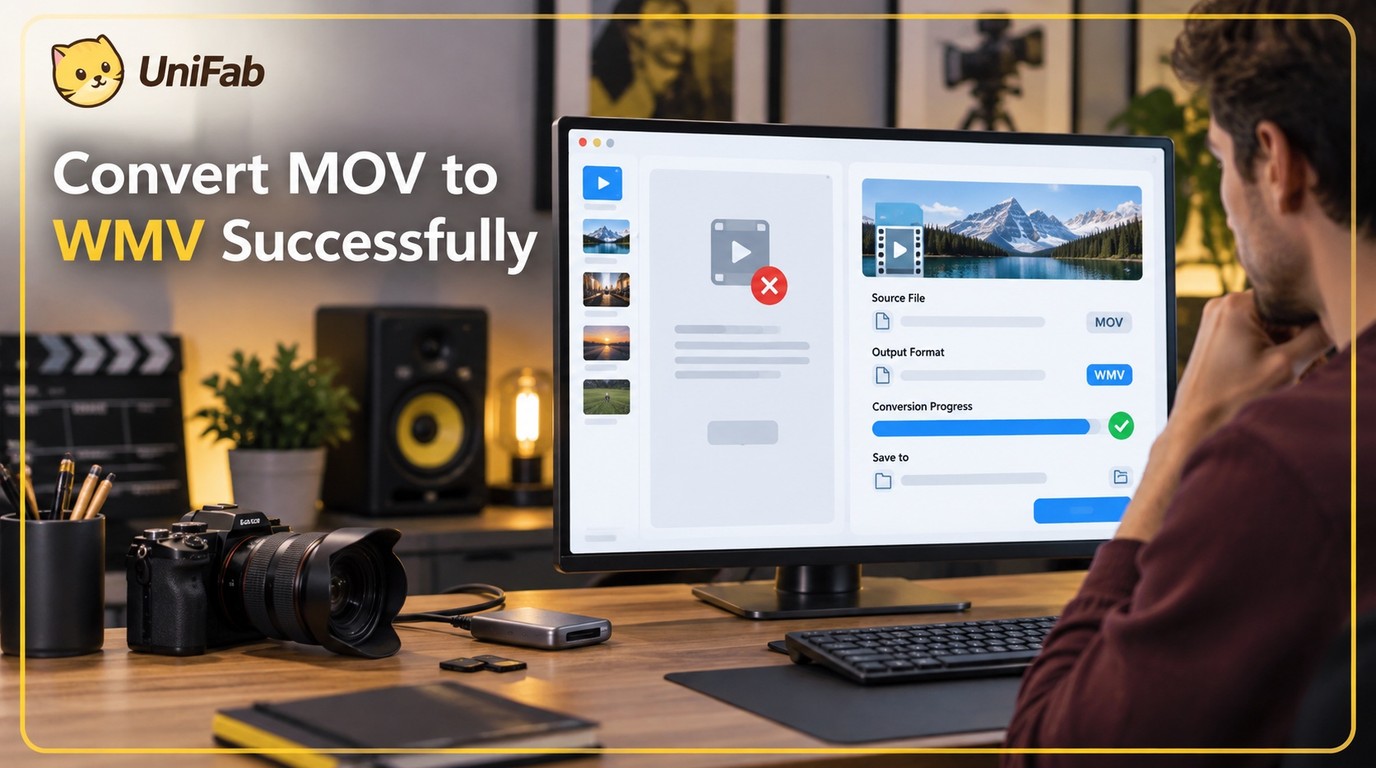
Learn when WMV is the right target for a Windows workflow, how online and desktop conversion differ, and which settings help prevent quality loss, corruption, and audio drift.