Make a GIF from a Video or Your Own YouTube Clip
Updated on November 10, 2026
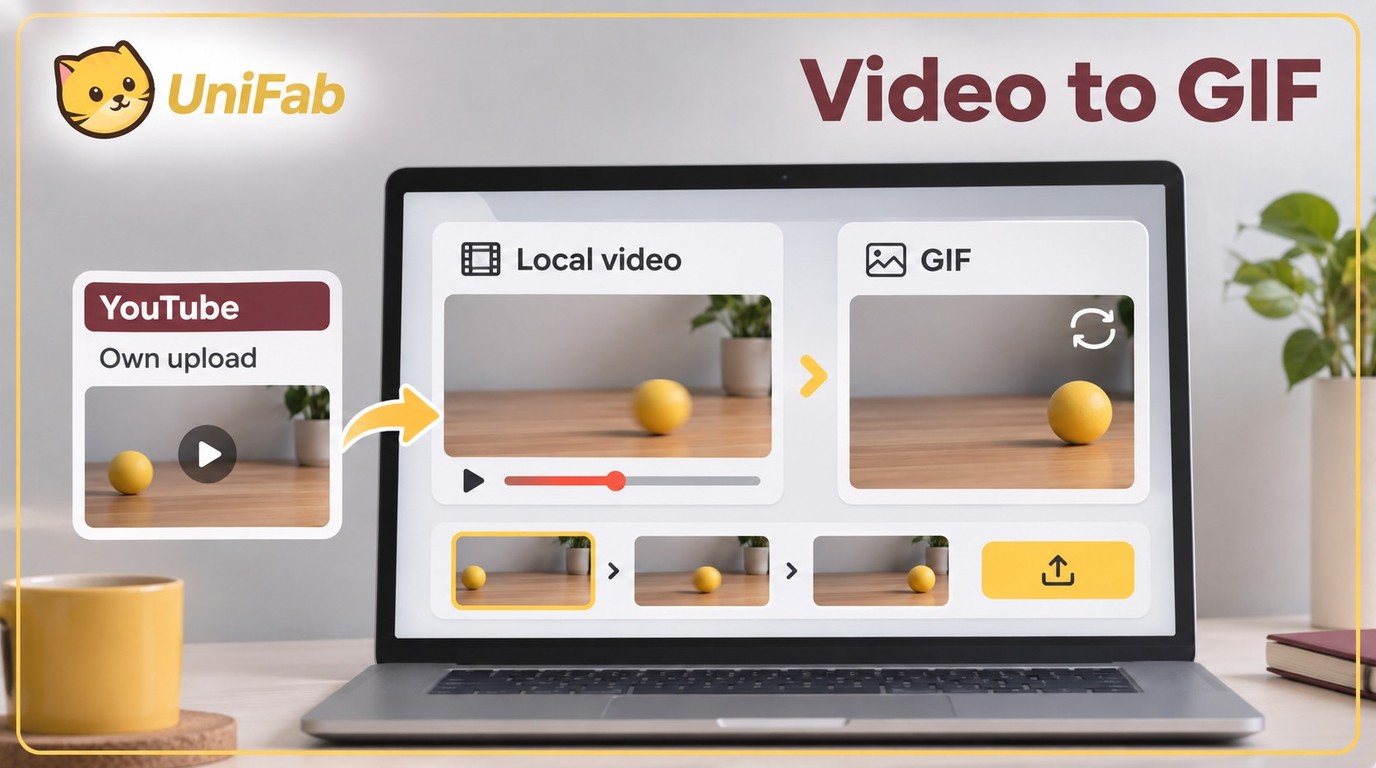
To make a GIF from a video, choose a short moment, convert that range into an animated image, preview the loop, and test the downloaded file where you plan to share it. The conversion itself is simple. The source is where people often get confused—especially when the original clip is on YouTube. A YouTube to GIF website may promise that you can paste any URL. A local video-to-GIF converter does something different: it converts a video file you already have. This guide covers both cases without pretending that public availability automatically gives you permission to download or reuse a clip.